Deposit Funds on Binomo via Cash U

In this guide, we will detail the steps to deposit funds on Binomo using Cash U, the benefits of this payment method, and tips to ensure a seamless transaction experience.

Deposit Funds on Binomo
1. If you have zero balance in your CashU eWallet you should contact a legal vendor in your country using this link : https://www.cashu.com/site/en/topup
(if you have enough balance skip this step).
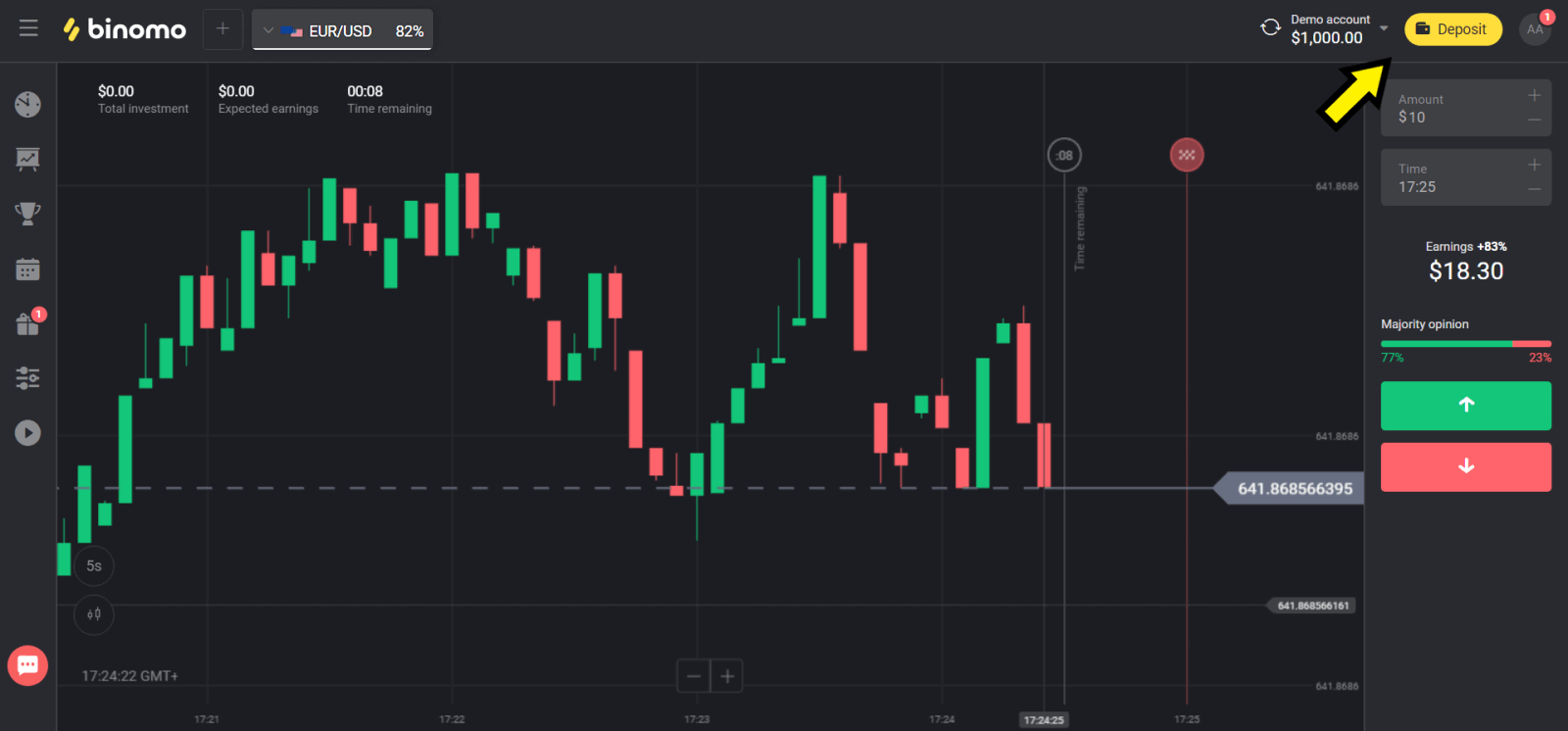
Click on the "Deposit" button in the right top corner.
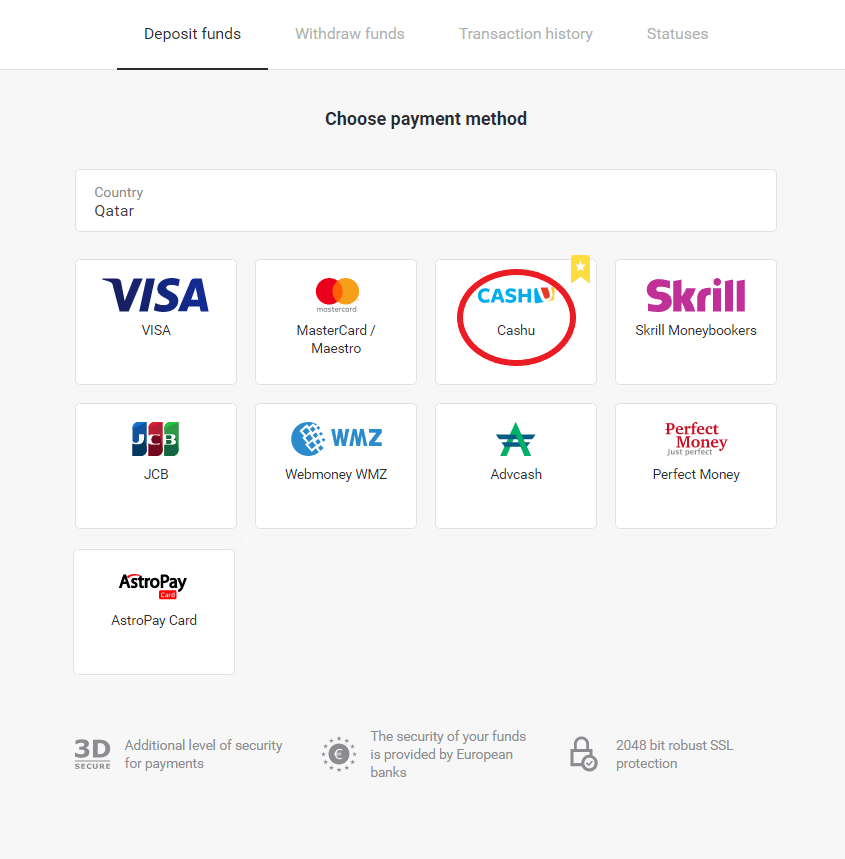
2. Choose your country in the “Сountry” section and select “Cash U” method.
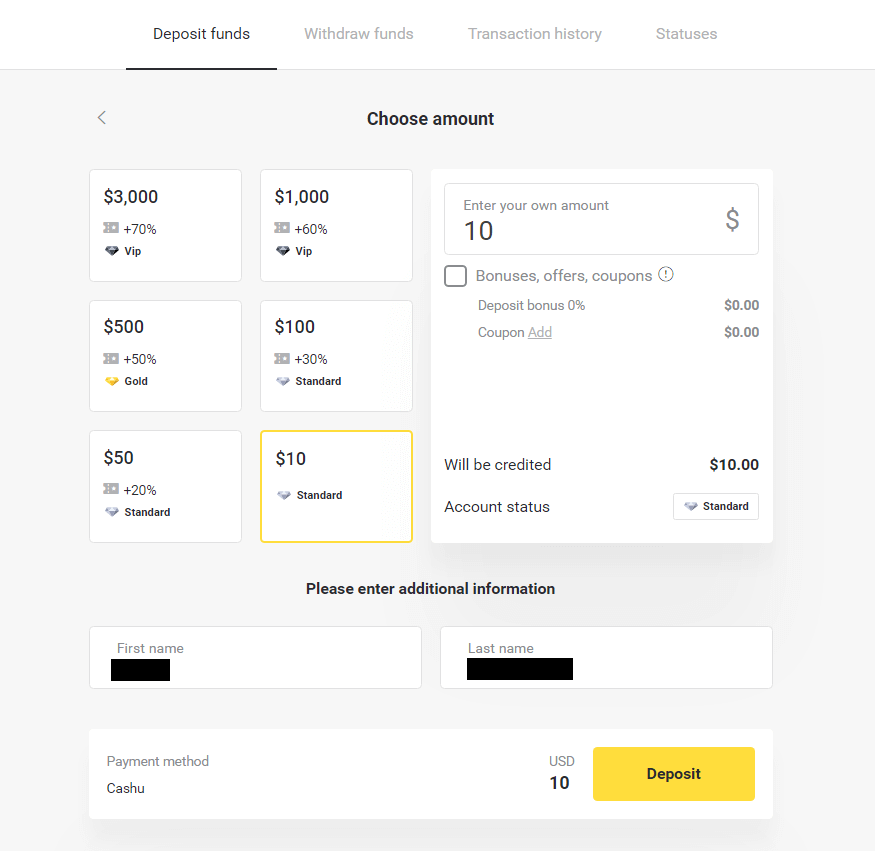
3. Сhoose the amount to deposit, enter your First and Last names and click on the “Deposit” button.
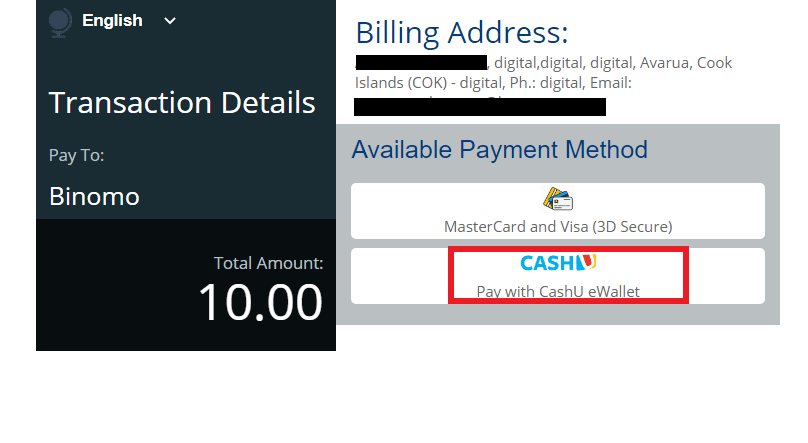
4. Choose “Cash U” to continue.
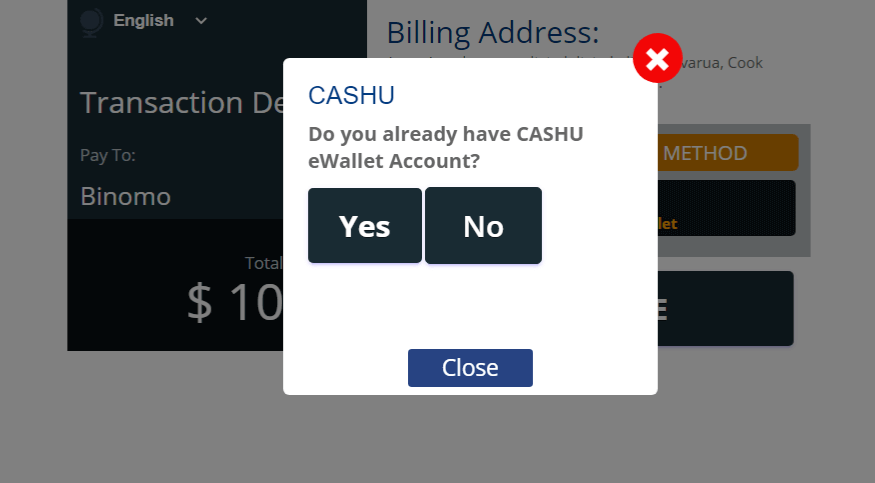
5. Choose “Yes” to continue.
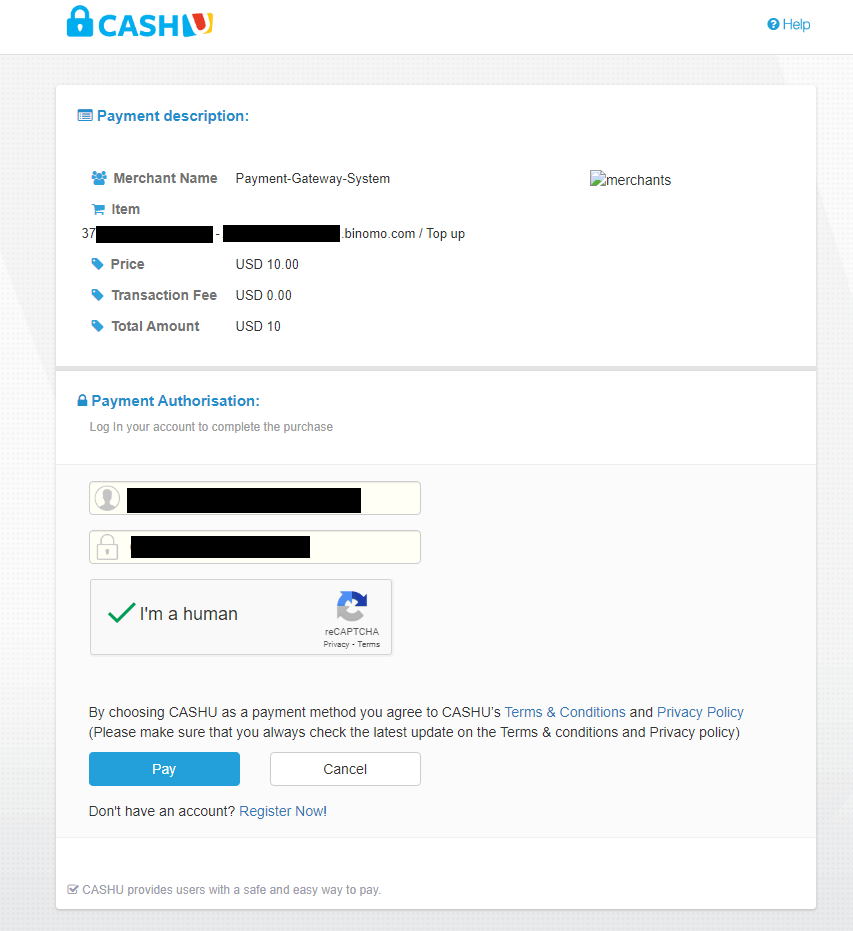
6. Enter the required information (login and password of your eWallet), click the box “I am a human” and click “Pay” button to continue.
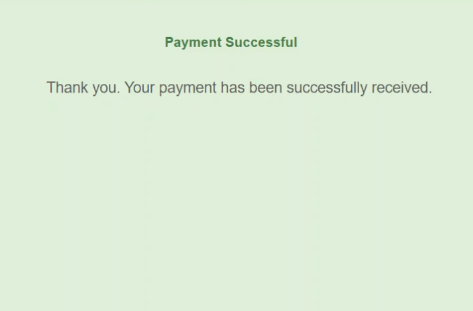
7. The new tab with “Payment Successful” will open.
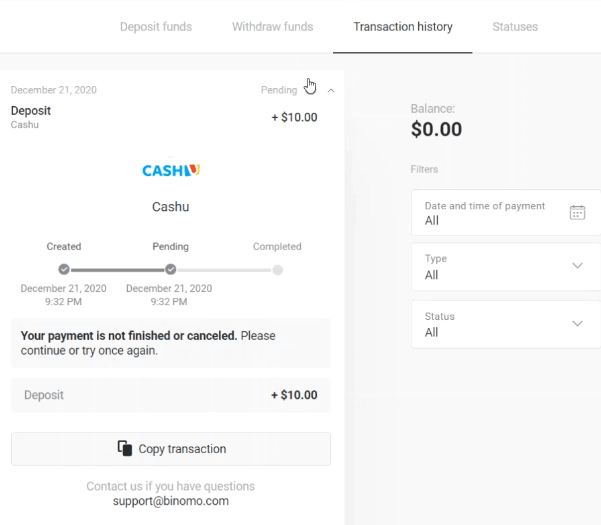
8. The information about your deposit will be in the “Transaction history” page in your account.
Seamless Deposits: Fund Your Binomo Account with Cash U
Depositing funds on Binomo via Cash U is a straightforward, secure, and efficient process that allows you to focus on trading rather than payment hassles. With its instant processing and user-friendly platform, Cash U ensures a smooth transaction experience for all traders. Whether you’re new to trading or a seasoned professional, Cash U makes funding your Binomo account simple and reliable.